
Skip to content
Brevity
ExploreToolsModelsBlogPricing
Log in
Start creating
  1. Home
  2. /
  3. Tools

16 guided workflows

Every way into a finished video.

Start with a prompt, image, script, URL, track, or product. Find the workflow, see the shape of the result, and continue in one studio.

Open the studioCompare models

Guides are free to browse. Creating and rendering in the studio uses Brevity credits.

Featured workflows

See the direction before you start.

Four useful starting points, paired with moving references so the workflow is easier to understand than a wall of feature names.
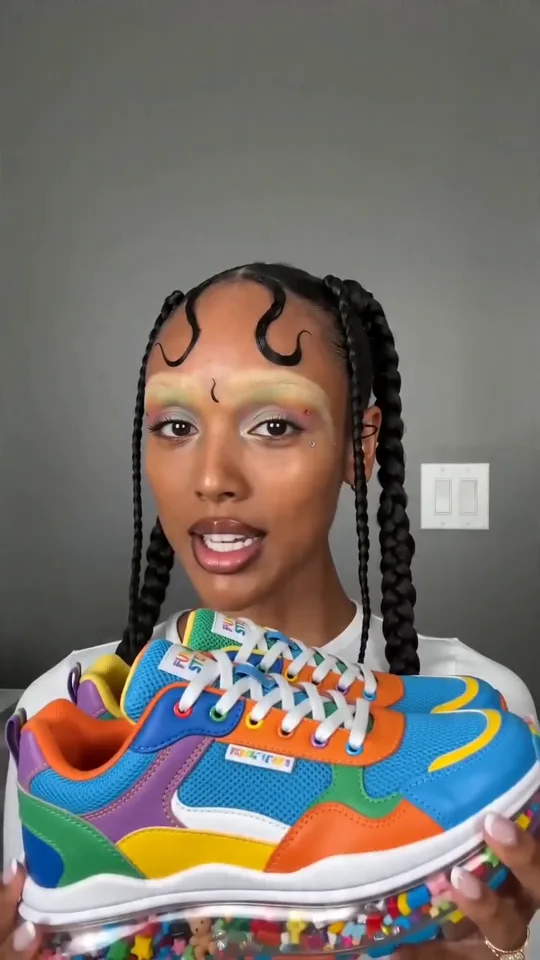
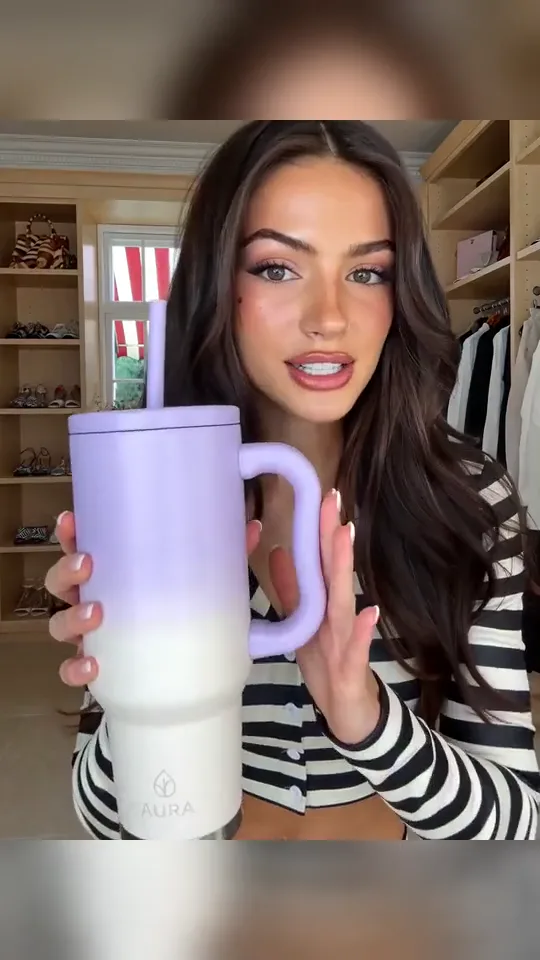
Your browser does not support the video preview.
Prompt-led motion reference16:9 preview
Workflow guide

Text-to-Video AI Generator

Turn written direction into a reviewable video plan, then generate scenes and finish the cut with voice, music, captions, and export-ready formats in Brevity.

Explore the workflow
Your browser does not support the video preview.
Reference-led motion16:9 preview
Workflow guide

Image-to-Video AI Generator

Animate a source image with deliberate subject, environmental, and camera motion, then place the generated clip inside a complete Brevity video.

Explore the workflow
Your browser does not support the video preview.
Product reference9:16 · 15s
Workflow guide

AI Product Video Generator

Create product videos from an approved brief, website, images, screenshots, or footage, with reviewable scripts and a deliberate mix of generated and sourced visuals.

Explore the workflow
Your browser does not support the video preview.
Creator-style reference9:16 · 15s
Workflow guide

AI UGC Video Generator for Creator-Style Videos

Build clearly presented creator-style product videos from an approved script, product material, visual direction, voice, music, and captions—without implying a real customer endorsement.

Explore the workflow

Browse all tools

  • Create & direct7
  • Products & presenters5
  • Stories & social4

Create & direct

7

Start with the material you already have

Direct a new video from text, an image, a script, character references, or an audio track.

  1. Prompt to Video

    Start with written direction, then configure visuals, voice, music, captions, length, and output.

    Reviewed guide
  2. Image to Video

    Upload a source image, describe the motion, and continue in the reference-led builder.

    Reviewed guide
  3. Script to Video

    Bring an approved script into a narration-led faceless video workflow.

    Reviewed guide
  4. Music Video From Audio

    Upload a track you may use and direct a visual sequence around its rhythm and structure.

    Reviewed guide
  5. Consistent Character Video

    Plan continuity, then upload approved character references as the visual starting point.

    Reviewed guide
  6. Faceless Video

    Build a voiceover-led video from a prompt, topic, document, media upload, or audio source.

    Open in studio
  7. AI Presenter

    Direct a presenter-led video from a script with avatar, voice, captions, and format controls.

    Open in studio

Products & presenters

5

Turn approved source material into a clear story

Use a product page, website, uploaded media, document, or brief to shape a reviewable business video.

  1. Product Video

    Start from a product link and choose the approved imagery, angle, voice, music, and output.

    Reviewed guide
  2. Creator-style Video

    Build a natural presenter-led product format from a source link with avatar, voice, captions, and variations.

    Reviewed guide
  3. Promotional Video

    Create campaign variations for a launch, announcement, or channel from a source link.

    Open in studio
  4. Website Explainer Video

    Ground a first draft in a website, then review extracted claims, script, visuals, and voice.

    Reviewed guide
  5. Product Demo

    Walk through a product or workflow from a link with script, voice, captions, and finish controls.

    Open in studio

Stories & social

4

Choose a format built for the story

Open the exact Studio builder for news, community threads, narrated stories, or high-energy social edits.

  1. News Video

    Start from a topic and configure narration, visual treatment, music, captions, length, and output.

    Open in studio
  2. Reddit Post to Video

    Add a Reddit post URL and build a narrated format around the post and selected replies.

    Open in studio
  3. AI Story

    Start from a story prompt and direct characters, narration, visuals, music, captions, and pacing.

    Open in studio
  4. Meme Video

    Prototype a fast social edit from a prompt with stylized or gameplay-led visual options.

    Open in studio

One studio, every direction

Start with an idea. Shape the rest in Brevity.

Open the studio ↗
Brevity

Make the video you have in mind.

Start creating

Product

  • Explore videos
  • AI video tools
  • AI video models
  • AI video field guide
  • Pricing
  • Open studio

Popular tools

  • Text to video
  • Image to video
  • Music video generator
  • Product video generator
  • Browse every tool

Company & legal

  • About Brevity
  • Contact
  • Affiliates
  • Privacy policy
  • Terms of service
© 2026 Brevity AIPrivacy policyTerms
Billing by Stripe Managed Payments · EU VAT handled